
Formuler Z Mini 4K streaming device for a small TV setup
A streaming setup that fits a bedroom TV
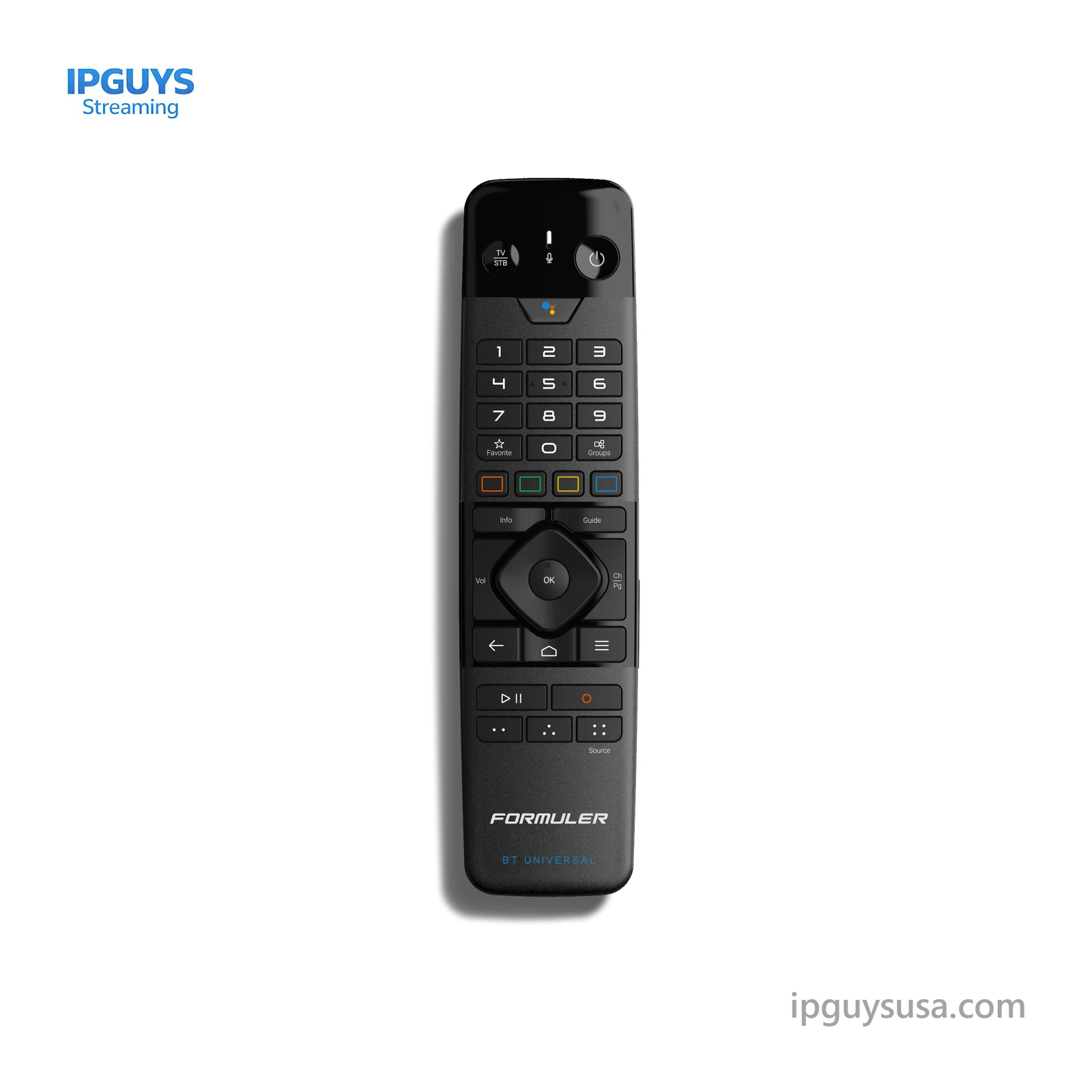
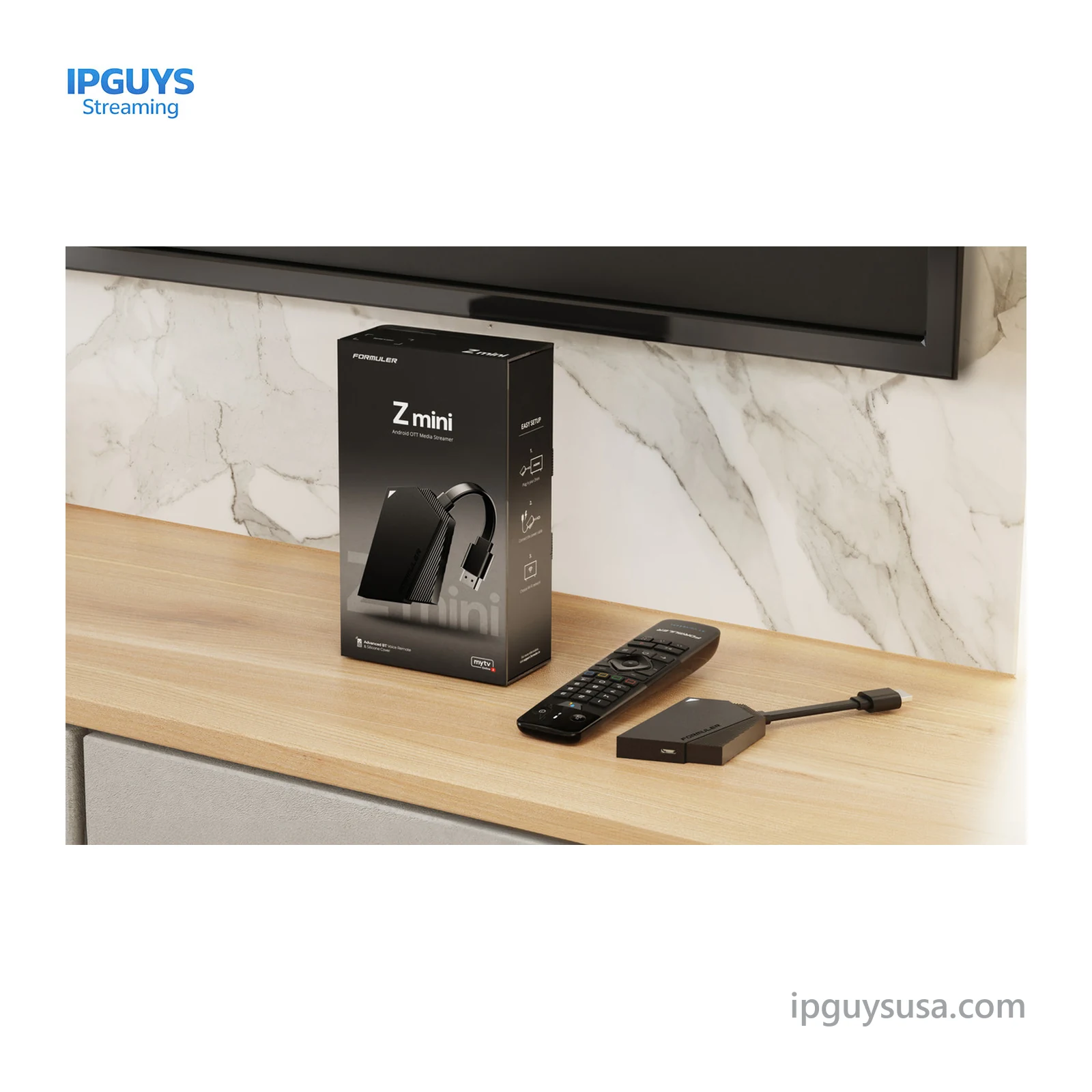
A TV on a narrow dresser leaves little room for another full-size component. The Formuler Z Mini can sit behind the screen and give that HDMI input its own Android 12 home screen. Pick up the included GTV-BT1 voice remote to open MYTVOnline 3 or get back to your favorite apps. It’s a practical layout for an apartment where the TV and the router are in different rooms.
Will it fit where I want to put it?
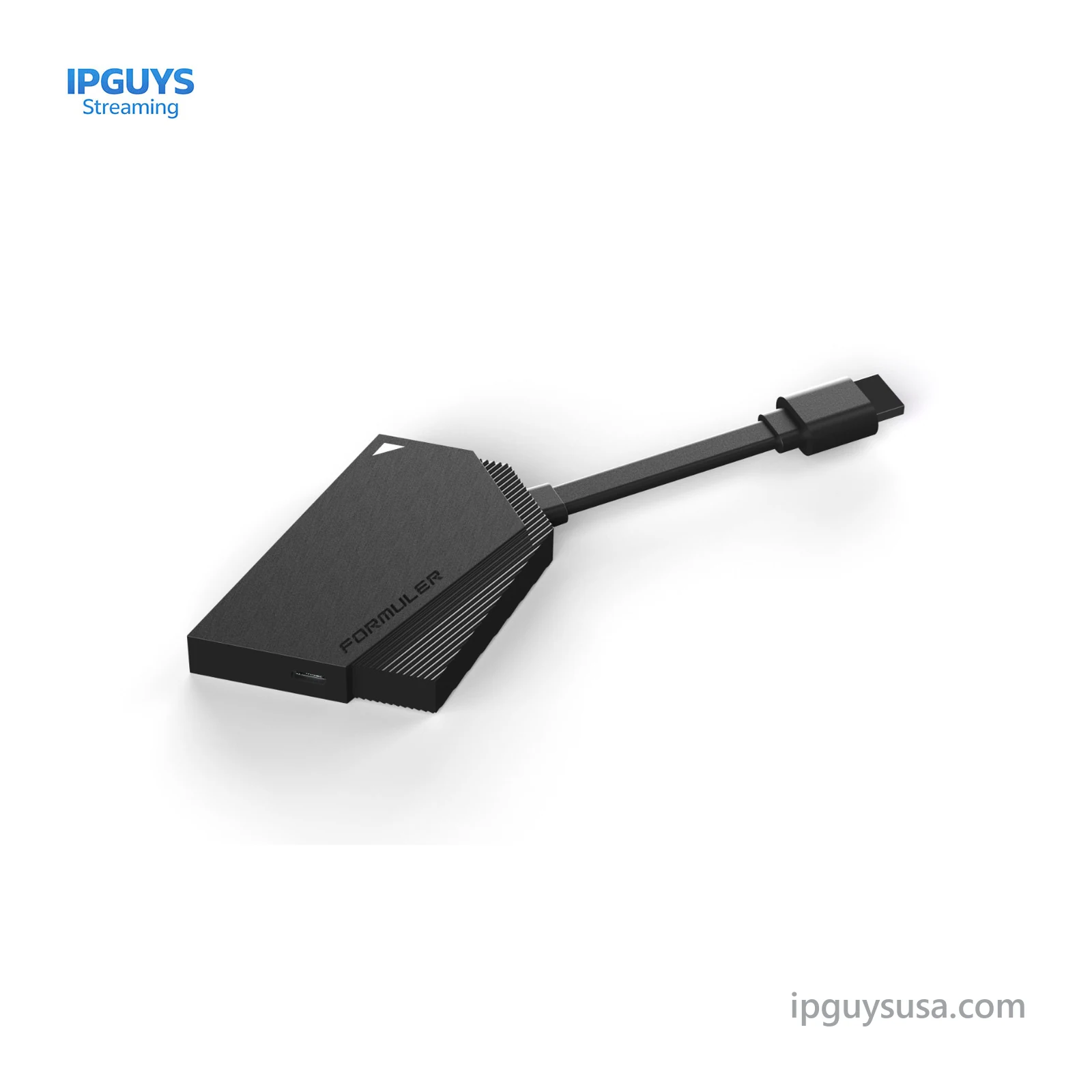
The receiver is about 3.3 inches long, 2.4 inches wide and half an inch thick. Check behind the TV for an available HDMI input and enough clearance for the connection. On a wall-mounted set, a side-facing input may be easier to reach. Leave room for the USB-C power lead to reach the included wall adapter, especially if the outlet is behind the dresser.
Put the batteries in the remote, connect the receiver and select that input using the TV’s own remote. Follow the on-screen setup and pair the GTV-BT1 with the Z Mini. The Bluetooth connection allows you to sit in your normal viewing spot and use the receiver even if the screen hides it. Keep the supplied silicone cover and quick guide with the rest of the kit.
Check your apartment’s Wi-Fi
The Z Mini supports dual-band Wi-Fi 5. Have your network name and password ready. Play something for a few minutes with the receiver in its intended location before tucking the cables away. If the wireless signal changes as you move it behind the TV, try another position within reach of the HDMI input and power lead. That simple test can save taking the screen off its mount later.
What do I watch through MYTVOnline 3?
Connect a compatible service using the details supplied for your account. MYTVOnline 3 can present its channel list and program guide on the TV. The specific channels and listings come from that service. If you already subscribe, ask whether it accepts a new receiver and how to sign in. This is especially useful if you set up your current service on a phone or through the provider’s own app.
For a small screen across from the bed, try moving the apps you actually use to the front of the Android home screen. In MYTVOnline 3, pin a favorite channel group near the top. These are two different shortcuts. One gets you into the right app when you turn on the receiver, and the other takes you to the part of your channel list you use most.
Picture quality on your screen
The device can play compatible 4K video up to 60 frames per second. HDR10+ and HLG are supported when the program and the television support the same format. Check both before choosing an event or movie for its advertised picture quality. If a channel is delivered in HD, selecting a 4K output setting cannot add the detail of a 4K source.
In a shared apartment, the time of your test matters too. If several people usually use the network in the evening, try a program then to see how it plays under your normal viewing conditions.
Buying from IPGuys USA
Select “No add-on” to buy the Z Mini by itself. To include IPGuys USA service, choose a separate 1-, 3-, 6- or 12-month option. The hardware purchase covers the receiver and its supplied accessories. Your service choice determines your subscription term. If you want to use a current plan on two TVs at once, check the number of streams it allows.
Which currency am I seeing?
Check the currency shown with the price and again in your cart. IPGuys USA normally opens in U.S. dollars for a new session. When USD is selected, the store converts its Canadian-dollar base price. Use the amount displayed for the currency you are shopping in when you review the receiver and any service you chose.
Formuler Z Mini 4K streaming device for a small TV setup
$137.22